
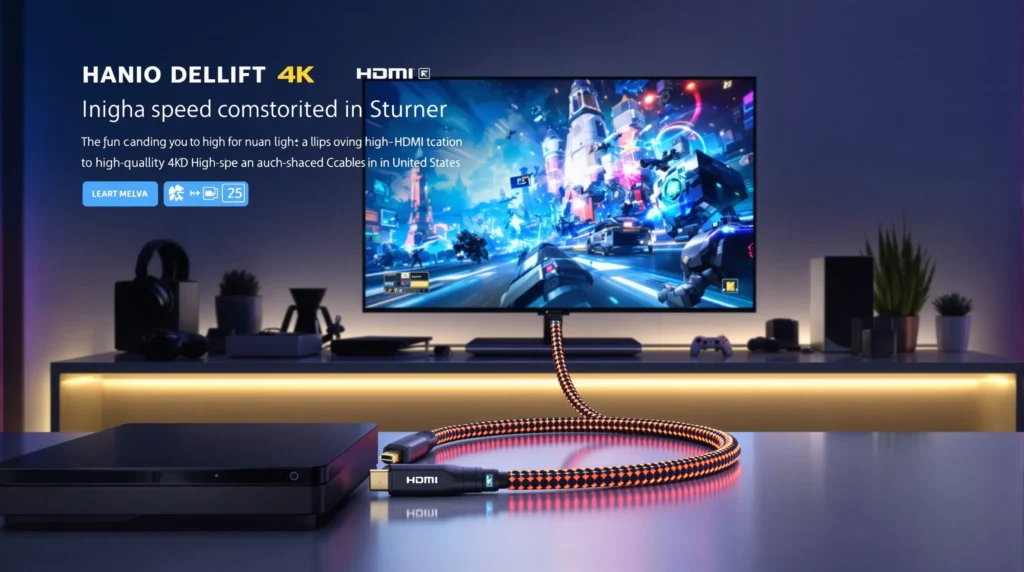
Picture this: You’re in the final round of your favorite game, palms sweaty, heart pounding. You spot your opponent, line up the shot—and your screen stutters. The moment’s gone. If you’ve ever lost a match because your display lagged or the picture glitched, you know how much a gaming HDMI cable matters. It’s not just a wire. It’s the difference between victory and a rage-quit.
Why Your Gaming HDMI Cable Matters More Than You Think
Let’s get real. Most people grab the cheapest HDMI cable and call it a day. But if you care about smooth gameplay, sharp graphics, and zero lag, your gaming HDMI cable is as important as your console or graphics card. Here’s why: a low-quality cable can bottleneck your setup, causing screen tearing, input lag, or even random blackouts. If you’ve ever wondered why your 4K TV looks more like a blurry mess during fast action, your cable might be the culprit.
What Makes a Gaming HDMI Cable Different?
Not all HDMI cables are created equal. A gaming HDMI cable is built to handle high bandwidth, fast refresh rates, and advanced features like Variable Refresh Rate (VRR) and Auto Low Latency Mode (ALLM). If you’re running a PlayStation 5, Xbox Series X, or a high-end gaming PC, you need a cable that can keep up. Here’s the part nobody tells you: the wrong cable can limit your system, no matter how powerful your hardware is.
Key Features to Look For
- Bandwidth: For 4K at 120Hz or 8K gaming, look for HDMI 2.1 cables. They support up to 48Gbps, which means no bottlenecks.
- Certification: “Ultra High Speed” certification means the cable passed strict tests. Don’t trust random brands with big promises.
- Build Quality: Gold-plated connectors, braided jackets, and solid strain relief help cables last longer—especially if you move your setup a lot.
- Length: Shorter is better for signal quality. If you need a long run, look for active HDMI cables or fiber optic options.
How to Choose the Right Gaming HDMI Cable for You
If you’re a casual gamer on a 1080p TV, you don’t need to spend a fortune. But if you’re chasing every frame on a 4K 120Hz monitor, your gaming HDMI cable needs to match your ambition. Here’s a quick guide:
- Check your devices. What’s your console, PC, or TV’s max resolution and refresh rate?
- Match the specs. For 4K 60Hz, HDMI 2.0 is fine. For 4K 120Hz or 8K, you need HDMI 2.1.
- Don’t overpay. Expensive doesn’t always mean better. Look for certified cables from trusted brands.
- Test it. Plug it in and run a fast-paced game. If you see flickering, artifacts, or lag, swap the cable.
Common Mistakes Gamers Make (And How to Avoid Them)
I’ll admit it: I once spent $50 on a “premium” cable that turned out to be a dud. It failed after a month, right before a tournament. Lesson learned. Here are mistakes I see all the time:
- Buying the cheapest cable and hoping for the best
- Ignoring certification labels
- Using old HDMI 1.4 cables with new consoles
- Running a 25-foot cable without checking for signal loss
If you’ve ever struggled with random disconnects or fuzzy images, your gaming HDMI cable might be the weak link. Don’t let a $10 mistake ruin your $500 setup.
HDMI 2.1 vs HDMI 2.0: What’s the Real Difference?
Here’s where things get interesting. HDMI 2.1 supports higher resolutions, faster refresh rates, and features like VRR and ALLM. If you want 4K at 120Hz or 8K at 60Hz, HDMI 2.1 is non-negotiable. HDMI 2.0 tops out at 4K 60Hz. For most next-gen consoles and high-end PCs, HDMI 2.1 is the way to go. But if you’re gaming on an older TV or monitor, HDMI 2.0 might be all you need.
Quick Comparison
- HDMI 2.0: 18Gbps, 4K 60Hz max, no VRR or ALLM
- HDMI 2.1: 48Gbps, 4K 120Hz or 8K 60Hz, supports VRR and ALLM
Here’s the catch: Some TVs and monitors have HDMI 2.1 ports, but not all their features. Always check your device’s specs before buying a gaming HDMI cable.
Who Needs a High-End Gaming HDMI Cable?
If you’re a competitive gamer, streamer, or graphics junkie, a high-quality gaming HDMI cable is a must. But if you’re playing retro games or don’t care about 4K, you can save your money. Ask yourself: Do you notice the difference between 60Hz and 120Hz? Do you want the lowest possible input lag? If yes, invest in a certified HDMI 2.1 cable. If not, a basic cable will do the job.
How to Spot a Fake or Overhyped Cable
Here’s the part nobody tells you: The HDMI Licensing Administrator certifies cables. If a cable doesn’t have the “Ultra High Speed” label, it might not deliver what it promises. Watch out for:
- Unrealistic claims like “8K 240Hz” on HDMI 2.0 cables
- No certification or fake stickers
- Suspiciously low prices from unknown brands
Stick with brands like Belkin, Monoprice, or Cable Matters. They’re boring, but they work. If you want to check a cable’s certification, scan the QR code on the package or visit the HDMI.org website.
Actionable Tips for Getting the Most from Your Gaming HDMI Cable
- Keep cables as short as possible for best signal quality
- Avoid sharp bends or kinks—these can damage the wire inside
- Label your cables if you have a complex setup
- Test new cables right away so you can return duds
- Update your device firmware—sometimes HDMI issues are software, not hardware
Here’s a trick: If you’re running a long cable (over 15 feet), consider an active HDMI cable or fiber optic model. They boost the signal and prevent dropouts.
Final Thoughts: Is a Gaming HDMI Cable Worth It?
If you’ve ever lost a match to lag or blurry graphics, you know the answer. A good gaming HDMI cable won’t make you a pro overnight, but it removes one more obstacle between you and your best game. For most people, a certified HDMI 2.1 cable under $30 is all you need. Don’t fall for hype, but don’t cheap out either. Your games—and your sanity—will thank you.
More Stories
Real-Time Sentiment Nebula For AeronScopeTN: How Gaming Shops Can Read Players’ Moods And Act Fast
Aeonscope Bamboo Buy Review: The Practical Gaming Ebook Guide For 2026
Tech Analysis: Orchid Aeonscope Gaming Shop Review — Performance, Value, And Buying Guide (2026)