
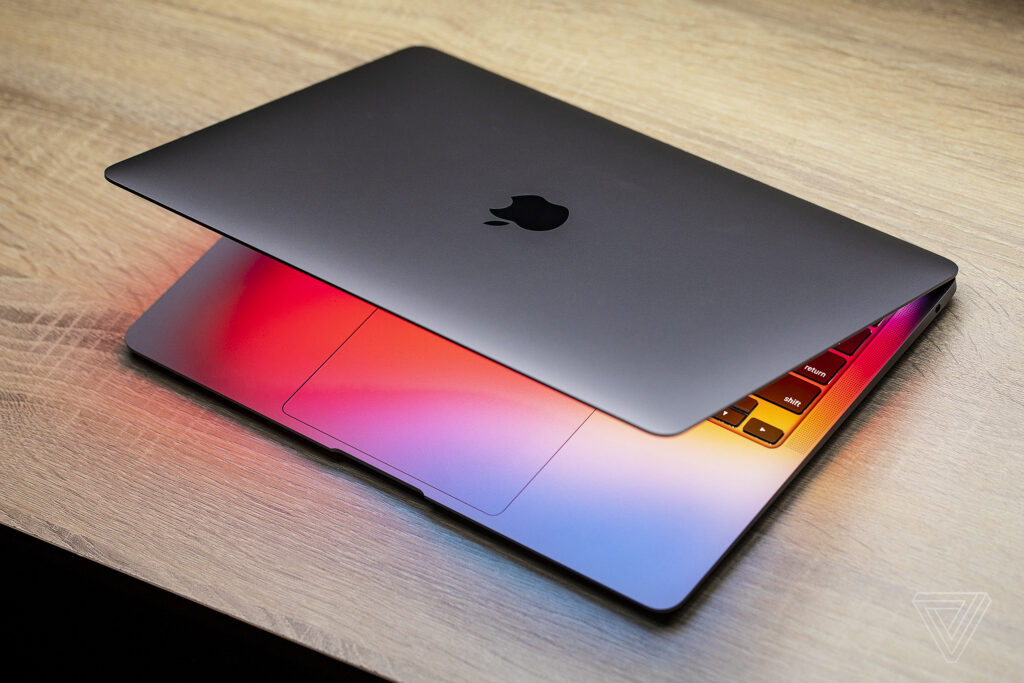
Creating a backup for your content is very important, for a multitude of reasons. You always want to immerse yourself into the work you do and deliver the best results. Yet at the same time, it also pays off to create a backup whenever you can. The reason why you want to do that is because creating a backup matters, it protects your info. And it’s only going to streamline the effectiveness of your work, too.
Preparing for your backup
A very good idea is to check our back up Mac guide and see the different steps. But the idea is to figure out exactly what you want to keep from your device, so you can have a backup of those items. Using a cleanup tool to remove duplicates, temporary files, etc, that will help a lot. That’s because it does help you get better results, the experience is excellent, and you will find it all to convey a much better version of your backup.
If your device is full of clutter when you back it up, the new version you install will also have that clutter. So yes, removing clutter will help a lot. You can also delete movies or files that you are not using. Everything that you can remove for which you don’t need a backup, that’s what you want to focus on. And honestly, it will help a whole lot more than expected.
iCloud
A good way of creating backups on your Mac is to use iCloud. Creating a backup online is nice because you can easily access the files from anywhere. It works extremely well, it will provide a great experience, and the outcome as a whole will be really good every time. The advantage with iCloud is that you can have quite a lot of space there if you pay for it. And you will only need that temporarily, which is a nice thing.
- Enter the System Settings and then go to the Apple Account.
- Here you click on iCloud, right near the Saved to iCloud, you can click See All.
- See what was backed up automatically and then enable/disable things the way you want, without restrictions.
- Click on the drive and then enable the option to say Sync this Mac.
It’s a nifty idea to consider this approach because it will help you save space. And these days, when you really want to have as much space as possible, that will help you more than you might expect. Just make sure that you avoid any rush, and it will help streamline things in a more effective manner.
Speaking of that, you also want to keep your iCloud free of any issues. That means removing clutter, something that a cleanup tool can definitely help you with. And it’s a good idea to remove clutter or unwanted files from there. Depending on the iCloud plan, you might end up needing to free up space. And if that’s the case, removing clutter is always going to be very important.
Back up to an external drive
The idea here is to have an external drive that will help you create a backup in no time, fast and effectively. The benefit you get from this is that it allows you to avoid any rush, it will give you a much better way to save stuff. Plus, if you go with an external drive, pick an SSD because it’s fast, very dependable, and you will have plenty of space to store all your stuff.
If you get a hard drive, go to the Applications/Utilities and then open Disk Utility after the device was connected. Select the drive, choose Erase and then choose APFS as format. And now, you can manually copy everything onto the drive and ensure that it’s Mac-compatible.
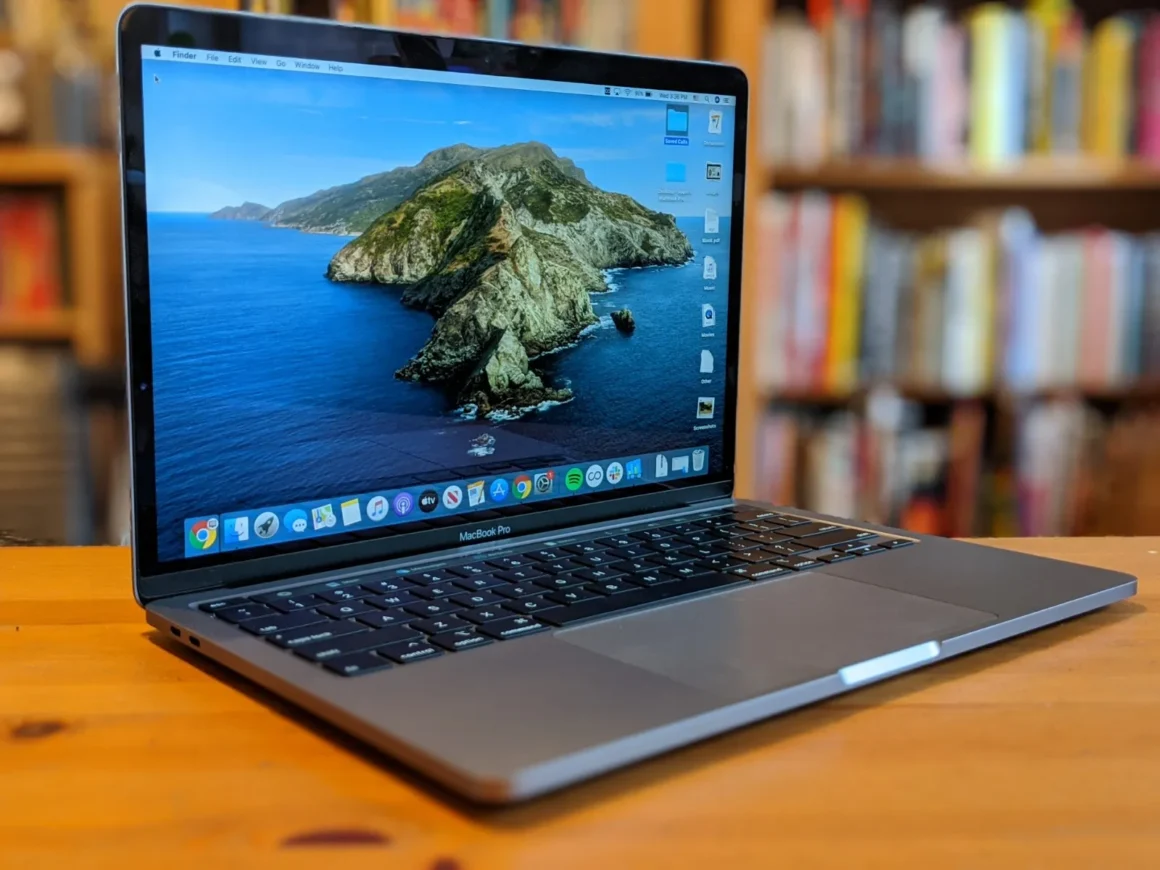
Using third party software
Of course, there are also third party apps you can use specifically for creating backups. The benefit that comes from these is they are specialized, and a lot of the time they are very easy to work with. However, they do provide great efficiency, and tools like ChronoSync, Acronis True Image or Carbon Copy Cloner are a good idea to consider. Yes, they are not embedded within your Mac and you have to pay for them, but if you want a simpler way of creating backups, those will be handy.
Conclusion
It never hurts to create a backup of your Mac, and the best thing is that’s totally doable. Whether you want to use iCloud, an external drive or maybe third party tools, all of that will be great. It always depends on your preferences and the type of features that you are looking for. That will help streamline the process, make things better, and you can finally have a safe space to store all your data!
More Stories
The Technology Quietly Changing How Modern Homes Work
AeonScope.net Tech Review: What To Know About This Tech Hub In 2026
Slot Entertainment Goes High-Tech: Inside the Digital Transformation